
Delivery Drivers are the most important part of our team and determine how successful SMUTH Delivery will be. Our dedicated drivers are screened, prompt and professional.
Once you are signed up to drive follow the simple steps below to get started.
START DELIVERING IN JUST A FEW STEPS
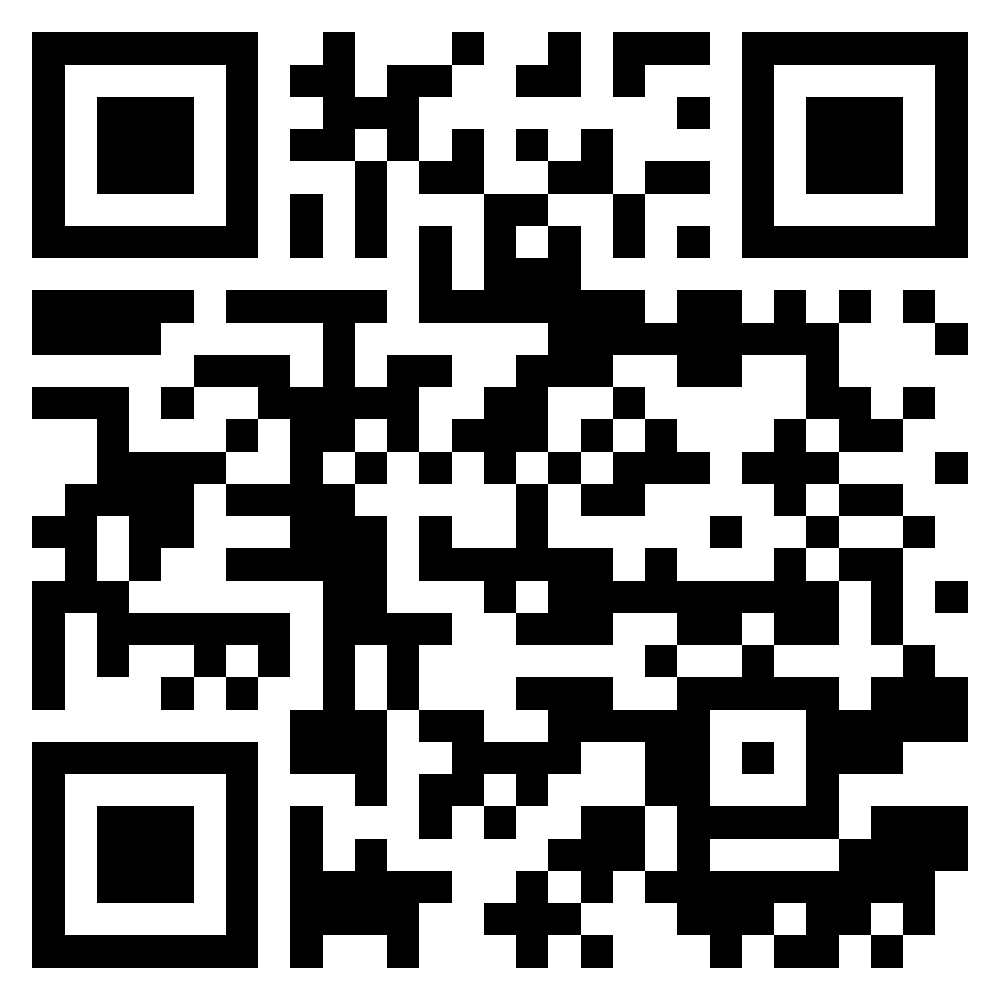
Step 1 – Download the Driver App
Scan the QR code to download the driver app for Android or IOS or click the link below
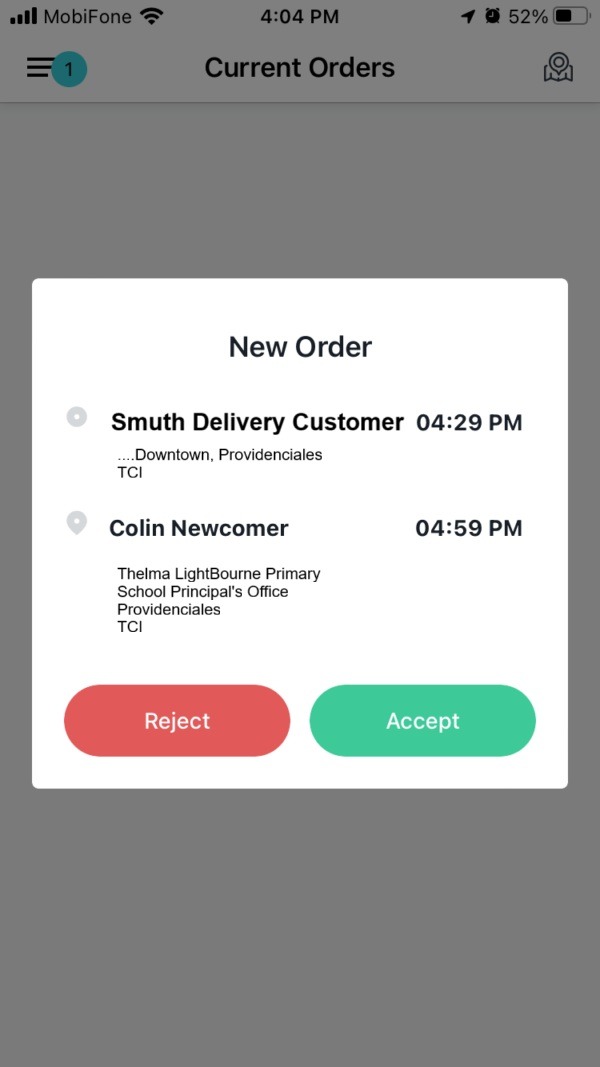
Step 2 – Accept Orders
Once orders are assigned to you, Go “Online”, if you
are not already. Review the Order details with t
he pickup and drop-off location and click the
Accept button in the App.
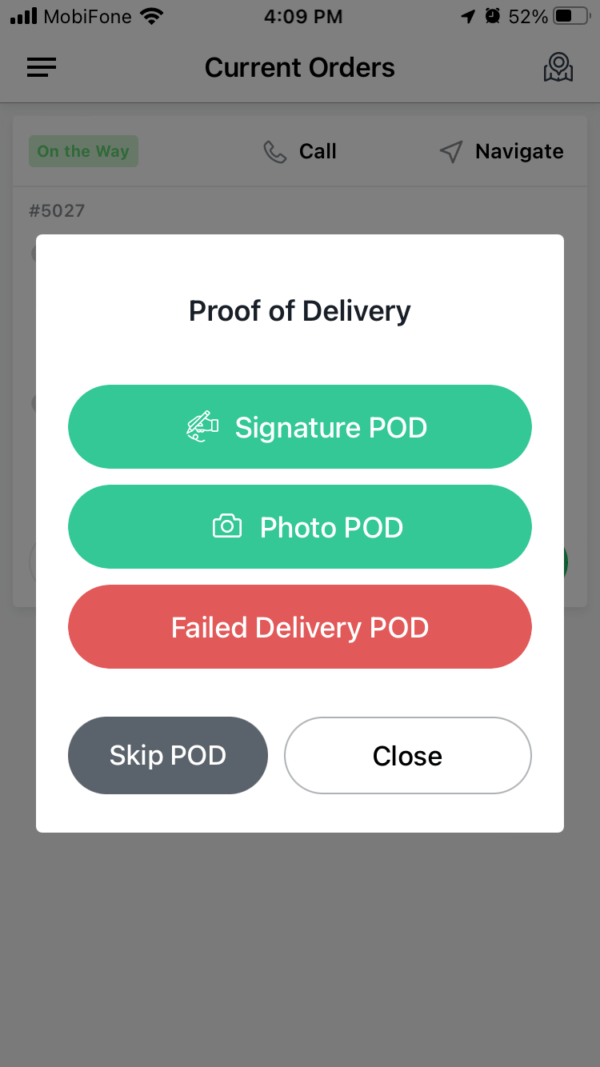
Step 3 – Another Satisfied Customer
Deliver the items to customer, capture the signature and/or take a photo for proof of delivery and Complete the order.